Ordering on SocialsWick takes about a minute. You do not even need an account for your first order. This guide walks through both ways to order: the quick checkout on our homepage, and the dashboard for returning customers who keep a balance. If you are new to SMM panels, start with What is an SMM panel?.
Before you start: have the right link ready
The most common reason an order is delayed is a wrong link, so it helps to know which one you need:
| You are ordering | Link to use |
|---|---|
| Followers or subscribers | Your profile or channel link, or your username |
| Likes, views, saves, shares or comments | The link to the specific post, Reel or video |
| Telegram members | Your channel or group link |
Two more things:
- Make your account public while the order is running. Private profiles cannot receive delivery.
- Do not change your username until the order is complete.
Our order form checks the link format and warns you if, for example, you paste a profile link for a TikTok views order.
Option 1: Quick checkout, no account needed
This is the fastest way to place a first order.
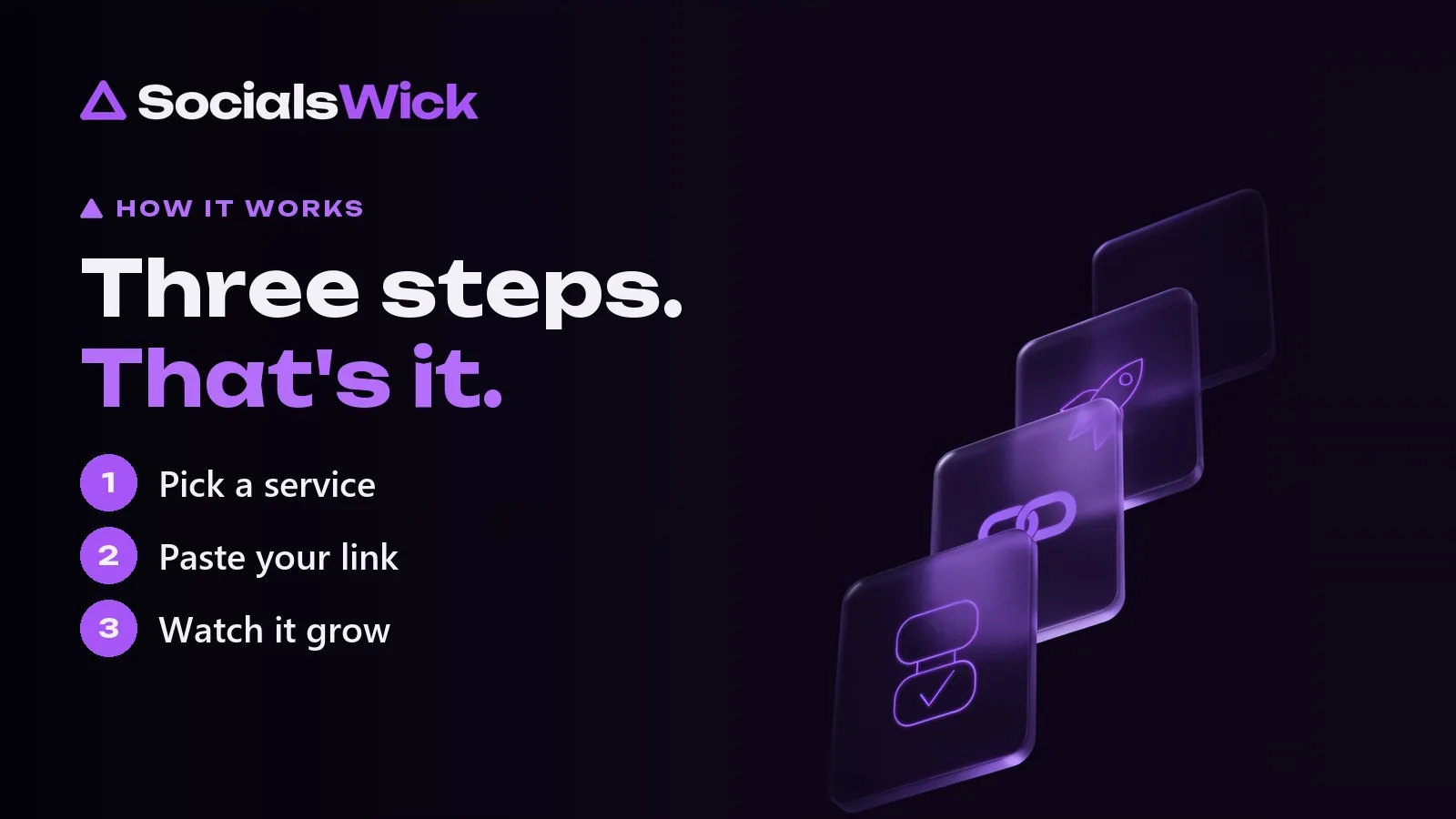
Step 1: Pick a service
On the homepage or the services page, choose your platform, for example Instagram, TikTok or YouTube, then the type of service, such as followers, likes or views.
Next, choose the quality tier:
- 🟡 Basic: the lowest price, ideal for testing.
- 🟢 Medium: a balance of price and retention.
- 🔵 Elite: premium, non-drop and organic-grade.
Not sure which to pick? Read Basic vs Medium vs Elite.
Then choose a quantity package. The price updates instantly, and orders start from just €1.
Step 2: Paste your link
Enter your profile link or username, or the post or video link, depending on the service. The form tells you which one it needs.
Step 3: Enter your email and pay
Enter your email address so we can send your order confirmation, then pay securely by card on the payment page. Card payments are handled by a licensed payment provider with 3-D Secure, and SocialsWick never sees or stores your card number.
That is it. As soon as the payment is confirmed, your order is placed automatically and delivery begins, usually within minutes.
We also create an account for you in the background and email you a link to set your password. You can then log in any time to follow your order.
Option 2: Order from your dashboard
If you order regularly, your dashboard is faster, because you pay from your balance without entering card details each time.
1. Add funds
Go to Dashboard → Add Funds, enter an amount and pay by card. The balance is credited as soon as the payment is confirmed.
2. Place a new order
Open Dashboard → New Order. You can:
- Browse categories by platform and filter by tier, such as instant start, non-drop or drip-feed.
- Open See Details on any category for a plain-language explanation of each service type.
- Paste your link, enter the quantity and confirm. The price is charged to your balance.
3. Track progress
Dashboard → Orders shows every order with its status:
- Pending / In progress: delivery has started or is queued.
- Completed: the full quantity has been delivered.
- Partial: only part could be delivered, and the rest is refunded to your balance.
- Cancelled: nothing could be delivered, and the full amount is refunded to your balance.
Tips for the best results
- Start small with a new service to see how it performs on your account.
- Use drip-feed for large quantities so growth looks natural.
- Boost your strongest content. A post that already performs well benefits most. See our tips for Instagram, TikTok and YouTube.
- Keep your account secure. Turn on two-factor authentication under Account settings.
Frequently asked questions
Do I need an account to order?
No. You can order as a guest with just your email. We create an account for you automatically so you can track the order.
How do I know my order has started?
You receive a confirmation email, and the order appears under Orders in your dashboard with its live status.
What if I entered the wrong link?
Contact our support team as soon as possible with your order ID. If delivery has not started yet, we can usually help.
Can I get a refund?
Undelivered orders, or the undelivered part of an order, are refunded to your balance. Unused balance can be refunded to your card within 14 days. Read the full refund policy.
Ready? Pick your first service. It takes less than a minute.